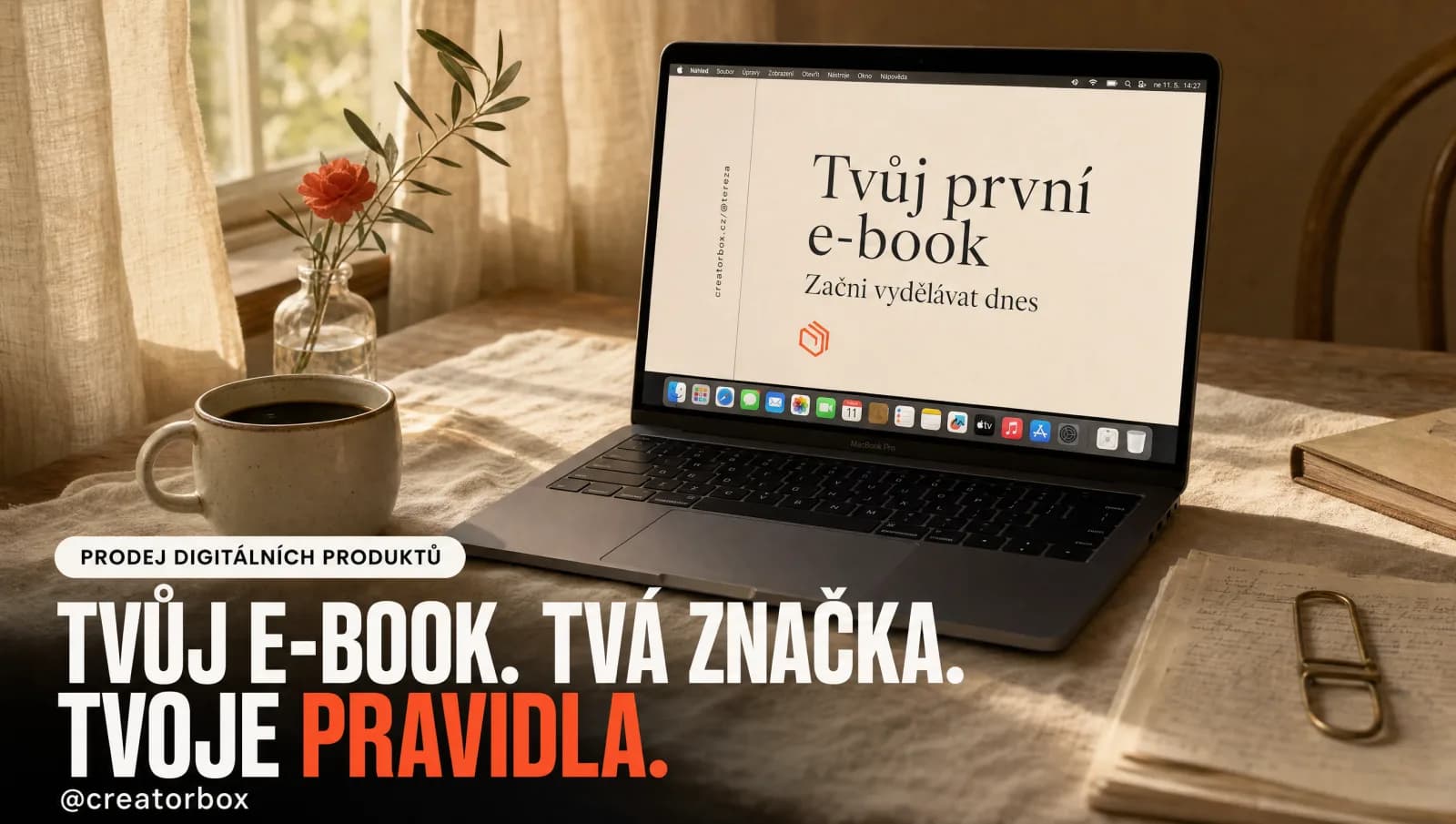
Got an ebook sitting in your head (or in Canva), but you still haven't sold it to anyone? Usually it's not the content holding you back. It's two words that keep making you put it off: "your own website."
So here's the good news straight away: you don't need a website. Selling an ebook today takes just one link — the kind you drop in your Instagram bio or a story. No domains, no developers, no WordPress. In this article I'll show you exactly how to sell your first ebook — from file to your first payment — even if you're starting from zero.
Short answer, so you don't have to scroll for it: you can sell an ebook (or a workbook) without a website through a single sales page — a link that accepts card payment, issues an invoice, and sends the buyer the file. You prepare the PDF, set a price, get a link, and share it with your audience. You can get it running for free in a few minutes. Now let's go through it step by step.
Why you don't need a website to sell an ebook
A website is a tool for building a brand and long-term content. Selling a single ebook is something completely different: you just need a place where someone can click, pay, and download the file. Full stop.
Building a whole website for that is like buying a van when you need to move one box. Expensive, slow, and needlessly complicated. And worse — by the time you get the website running, you'll have lost the one thing that matters for a first sale: the resolve to finally put it out there.
What you actually need is three things:
- a finished file (PDF),
- a link where payment can be made,
- a way for the file to reach the buyer automatically.
That's it. Let's go through each one.
Step 1: Prepare the ebook so it's impossible not to buy
I won't tell you what to put in the content itself. Just watch two things that decide the sale before anyone even opens it:
- Look. Most people read an ebook on their phone. Big headings, readable font, a bit of breathing room between lines. It doesn't need to be a design masterpiece, but it shouldn't look like a photocopied handout either. Canva can handle more than enough.
- A clear promise in the title. "My 12 favorite recipes" sells worse than "12 dinners in 20 minutes when you don't have time to cook." Name the specific result the reader gets.
Once your PDF is done, save it and forget about perfection. The first version doesn't need to be perfect — it needs to be out.
Step 2: Pricing — what to actually charge
This is where most people get stuck the most, so here are some concrete numbers right away. For a first digital ebook in the Czech market, you're most often looking at somewhere between 150 and 490 Kč.
Don't price it low out of fear that otherwise no one will buy it. A price under a hundred crowns often signals that the content isn't worth much — and paradoxically sells worse. Pick a number that feels fair for the value you're giving, and test it. You can change the price anytime.
A quick example so this isn't just theory: an ebook priced at 290 Kč that's bought by 40 people from your audience is 11,600 Kč. And that's from one file you write once and keep selling on repeat.
Step 3: Where to sell it all (and what handles it for you)
Now comes the part that makes people back off: payments, file delivery, invoicing. It sounds like a hassle nobody wants to deal with — and honestly, you don't have to.
You essentially have three options for where to put your ebook:
| Where you sell | Best for | The catch |
|---|---|---|
| Your own website / online store | A big catalog, inventory, physical goods | Expensive, weeks of setup, you handle payments and delivery yourself |
| Creatorbox (one link) | A creator who mainly wants to sell | Ready in minutes, payments and delivery included, fully automated |
| Manually by email | A total beginner, a handful of copies | No card payments, invoices and sending handled by hand |
For a first ebook, the choice is almost always clear: the middle path. You'll see why in a second.
Between "I want this" and "I have this," a few things need to happen: payment by card or Apple Pay, an invoice, and delivering the file to the buyer. And you really don't want to be emailing PDFs by hand at midnight. All of this is exactly the kind of technical work one tool can handle for you today.
Take our own Creatorbox, for example — a Czech platform built exactly for this. You upload the PDF, set a price, and get a ready-made link that accepts payment, delivers the file to the buyer, and sends the money to your account. No expensive website, no complicated payment-gateway setup. Everything's ready in 10 minutes, and you can launch your first product for free and without a card, so you have nothing to lose.
So instead of worrying about whether payments work and building a website, you just upload the file and send out the link. The rest is taken care of — and you get to spend your time creating for your people.
Step 4: Show the link to people (and don't be shy about it)
Now for the most important part: getting the link in front of people who'll see it. Start like this:
- put your Creatorbox link in your Instagram bio,
- make a story explaining what the ebook solves and who it's for,
- write one post or email that honestly says "I wrote this, it'll help you with X, here it is."
Don't wait for the "right moment" or for more followers. Your first sale won't come from thousands of people — it'll come from the few dozen who already know you and trust you.
And after that? The same principle works for passive income from content or selling other things without an online store.
Summary: the first sale mostly comes down to one step
The whole ebook sale fits into three things. Ebook + a link to pay + automatic delivery. That's the entire equation.
The hardest step is the first one — putting it out there. So do it today: save the PDF, set a price, and create your sales link. Creatorbox lets you try everything for free and without a card, so you can have your first product online by tonight. And the moment that first "someone bought your ebook" notification arrives, you'll realize how unnecessarily you held yourself back — and how long you put off your first online wins. → creatorbox.cz
FAQ
Where's the best place to sell an ebook?
For a first ebook, the simplest option is a platform for digital products that gives you a single sales link with payments and automatic delivery built in — Creatorbox, for example. Your own online store only makes sense once you have a large catalog, and sending files manually by email only works for a handful of copies.
How do I even make an ebook?
A regular tool like Canva or Google Docs is enough: write the content, give it a readable look (big headings, breathing room between lines), and export it as a PDF. Plan for most people to open it on their phone.
Do I need a Czech trade license (živnostenský list) to sell an ebook?
It depends on whether this is a one-off side income or ongoing activity. Small occasional income has its own rules in the Czech Republic; for regular sales you'll most likely need to register as a sole trader (živnostenský list).
How does the file actually reach the buyer?
If you're selling through Creatorbox, delivery is automatic — right after paying, the buyer downloads the file directly on the same page, and a download link also arrives by email. You don't need to be involved. Creatorbox does the work for you.
What should I charge for my first ebook?
Most often 150–490 Kč. Don't price it too low; start at a reasonable number instead and test the price as you see how it sells.
Do I need to be technical?
No. Creatorbox is a modern tool you can set up simply, with no coding — you upload the file, click a few buttons, and you're done. No website, no coding.